VLC stands as a powerhouse media player, bringing desktop-level functionality to your mobile device. More than just playing videos, it offers a seamless, versatile experience for managing and enjoying your entire media library. Its ability to handle virtually any file format and its host of customizable features make it an indispensable tool for anyone who consumes media on their Android device.
Plays Everything, No Codecs Needed
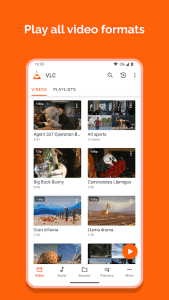
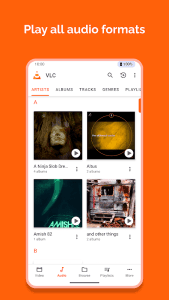
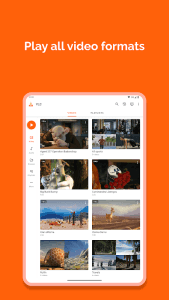
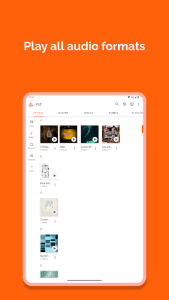
VLC eliminates the frustration of incompatible file formats. It natively supports a vast array of video and audio codecs, including MKV, MP4, AVI, MOV, Ogg, FLAC, TS, M2TS, Wv and AAC. This means you can play almost any media file without needing to download additional codecs or rely on third-party converters.
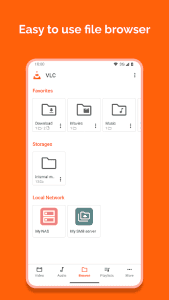
Manage Media with Ease
Beyond playback, VLC provides robust media management capabilities. It automatically organizes your audio and video files, allowing you to browse by folder, album, artist, or genre. This streamlined interface makes it easy to find and play the content you want, when you want it.
Subtitle Support, Fine-Tuned
Enjoy your favorite movies and TV shows with perfectly synchronized subtitles. VLC supports multiple subtitle tracks, auto-detection of subtitles, and allows you to adjust the subtitle delay to match the audio, ensuring a flawless viewing experience.
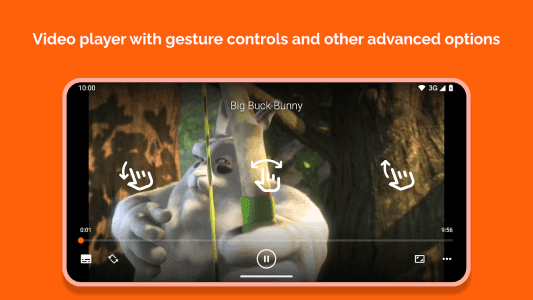
Control Playback with Gestures
Navigate your media with intuitive gestures. Easily adjust volume, brightness, and seek through your videos with simple swipes and taps directly on the screen. This touch-friendly control scheme makes watching videos on your mobile device more convenient than ever.
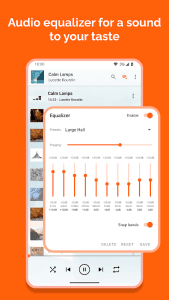
Audio Equalizer for Perfect Sound
Customize your audio experience with the built-in equalizer. VLC provides a range of presets and allows you to fine-tune the sound to your liking. Enhance bass, adjust treble, or create your own custom profiles to optimize audio for different genres and listening environments.
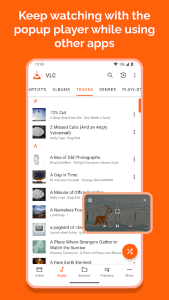
Background Playback, Multitasking Allowed
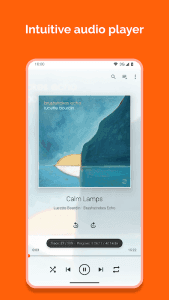
Continue listening to your favorite music or podcasts even when you switch to other apps. VLC supports background playback, allowing you to multitask while enjoying your audio content. This feature is perfect for listening while browsing the web, checking emails, or working on other tasks.